Image to 3DIn Seconds
Convert a photo, product shot, or concept image into a textured 3D model in seconds. Our free AI image to 3D generator runs in your browser and exports GLB for games, AR, and 3D printing — no account, nothing to install.
- Free generations per hour
- 3 Free generations per hour
- Typical generation time
- 60s Typical generation time
- Textured mesh, free to download
- GLB Textured mesh, free to download
Protected by Cloudflare Turnstile. No account, 3 free generations per hour.
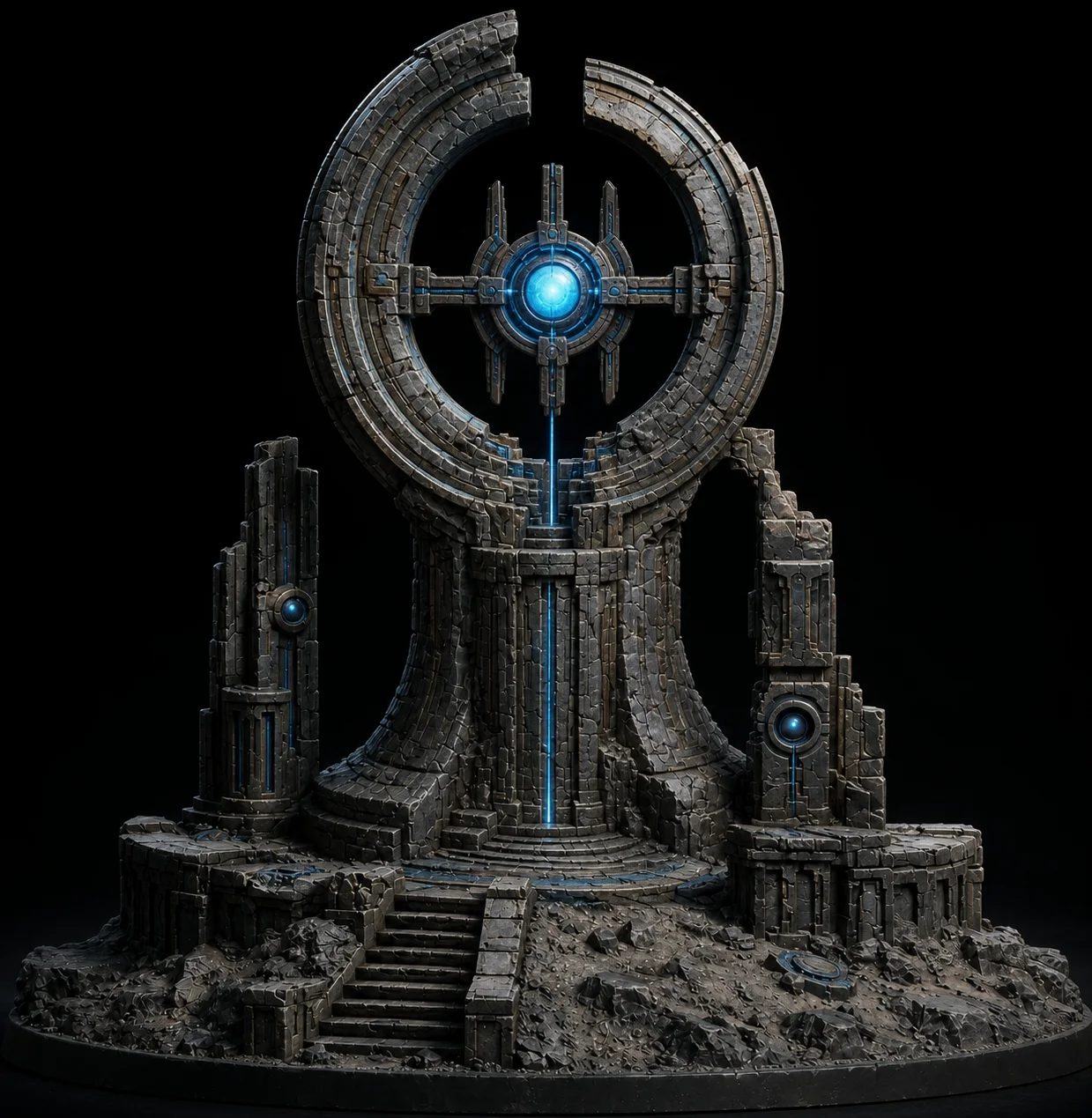
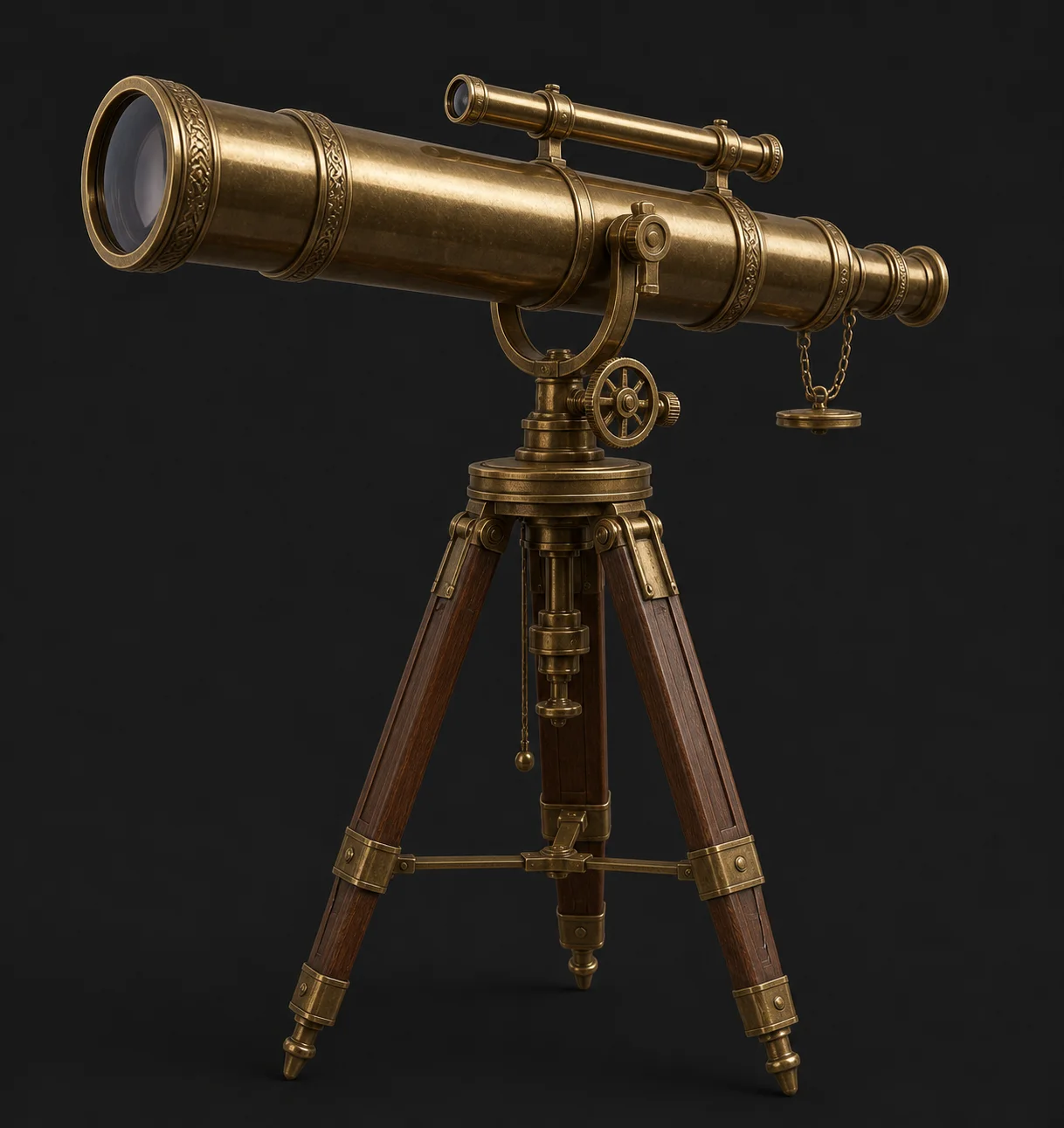

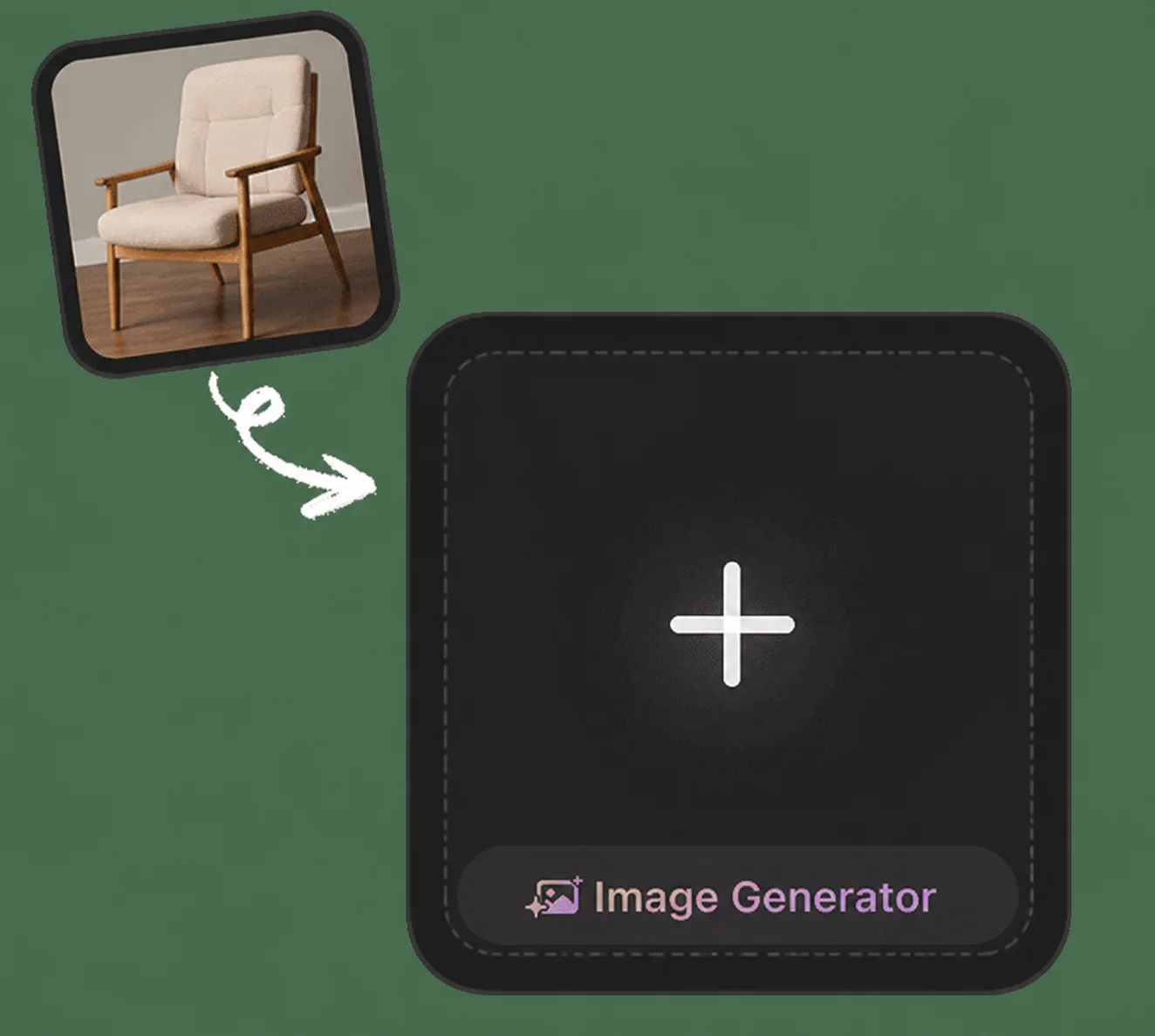
Generated from a single photo with the tool on the left.
Exports straight into your pipeline
- Blender
- Unity
- Unreal Engine
- Godot
- Cura
- Three.js
Why Choose Hyper3D for Image to 3D Conversion?
Hyper3D turns a flat 2D image into a detailed, textured 3D model with a workflow built for creators who need a usable asset now — not a trial, not a queue, not a signup form.
AI-Driven Precision
The model reads depth, silhouette, and surface detail from your photo to build clean geometry with accurate proportions — not the blobby approximations older image-to-3D tools produced.
One Photo Is Enough
A single well-lit image is all the AI 3D model generator needs. No capture rig, no turntable, no dozens of overlapping shots the way photogrammetry demands.
Textured 3D Assets, Not Grey Meshes
Every result ships with generated PBR surface materials baked in, so your model looks finished the moment it loads in an engine or viewer.
Download-Ready GLB
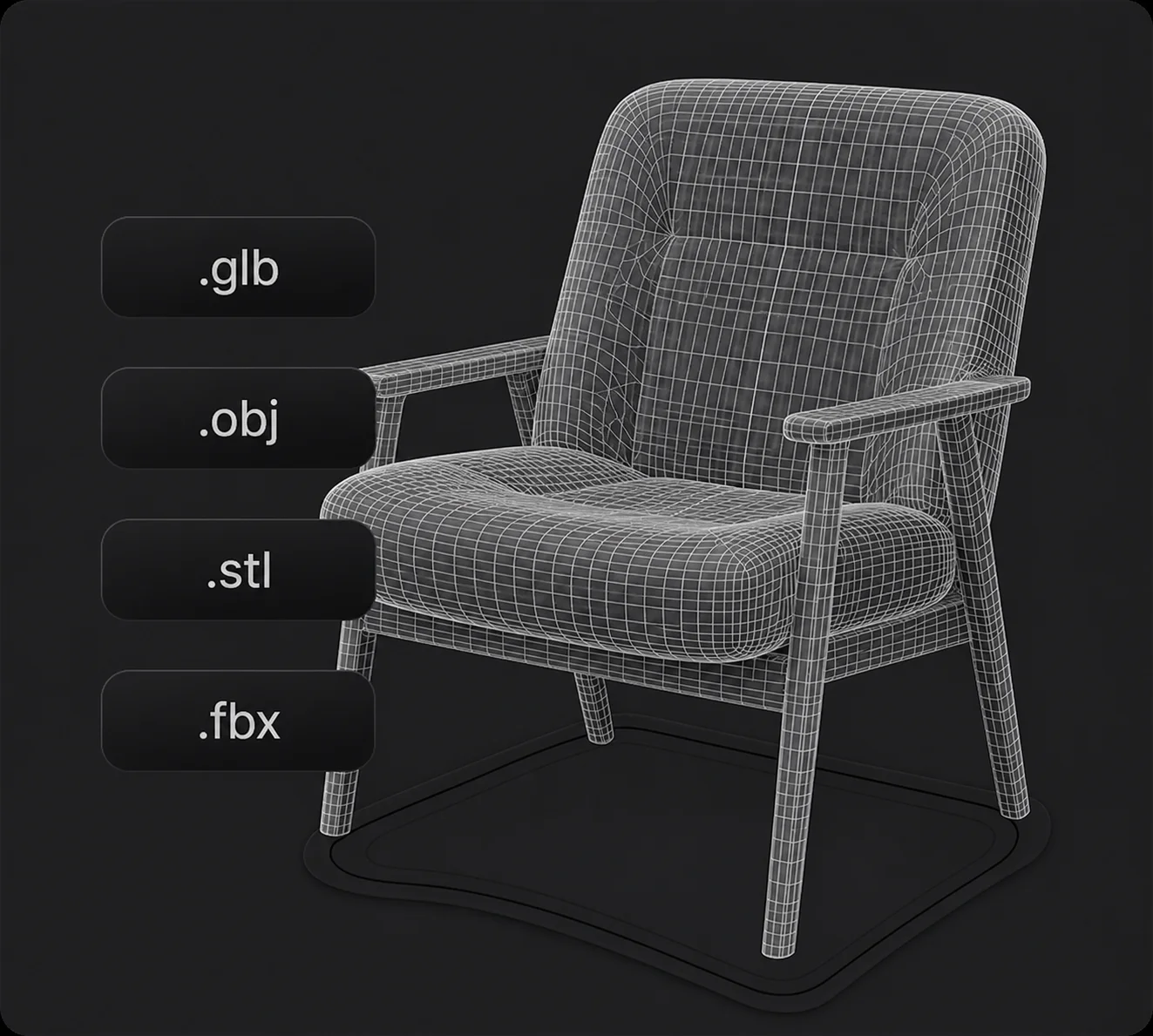
Get a standard GLB straight to your machine — the format that drops into Blender, Unity, Unreal, model-viewer, and every major 3D pipeline without conversion.
Free, With No Account
Three free generations an hour, no sign-up, no credit card, nothing to top up. Upload a photo and go.
Runs in Your Browser
Nothing to install and no GPU of your own required. The entire photo to 3D model pipeline runs server-side and previews live on the page.
How to Convert an Image to a 3D Model
Upload a photo, let the AI build the geometry and textures, then download a 3D model you can actually use.
Upload Your Image
Start from a product photo, character reference, 2D logo, or concept sketch. JPG, PNG, and WebP all work — a sharp, evenly lit subject on a plain background gives the best image to 3D result.
Generate AI 3D Geometry and Textures
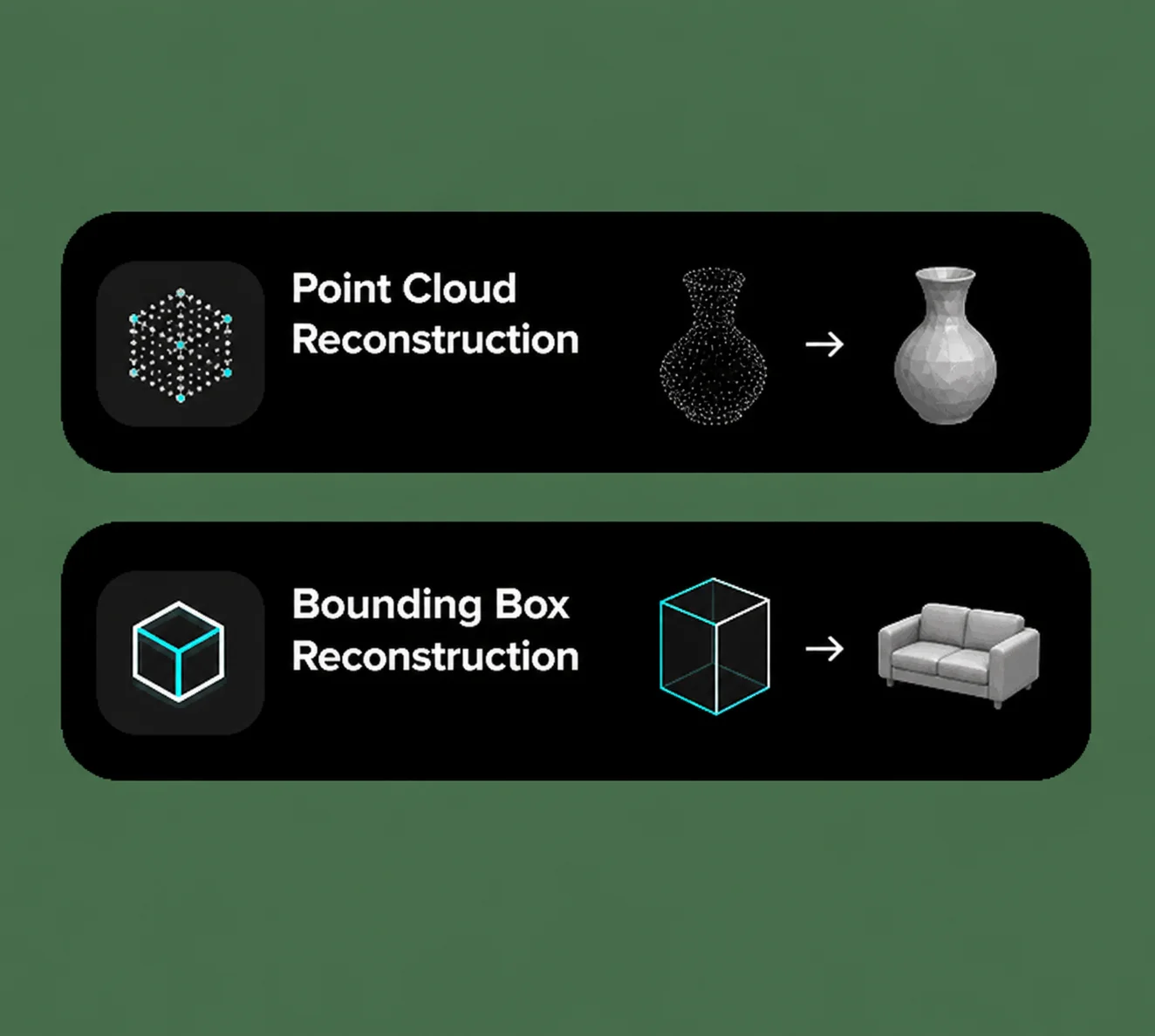
Hyper3D analyzes depth, silhouette, structure, and surface detail, then reconstructs your photo to 3D model output with clean geometry and AI-generated PBR textures. Most jobs finish in under a minute.
Preview and Download
Orbit the finished 3D model right in the page, check the silhouette against your original image, then download the GLB and drop it into Blender, Unity, Unreal, or a web viewer.
Who Uses Hyper3D?
AI 3D generation for people who need a usable 3D model today.
Game Developers
Turn concept art, 2D sprites, and reference images into 3D assets for Unity, Unreal, and Godot prototyping — block out a level with real props in an afternoon.
Printing3D Printing Makers
Convert a photo into a watertight mesh, export STL or 3MF, and slice it in Cura or PrusaSlicer without the hole-filling repairs scan-based meshes need.
CommerceE-commerce and Product Teams
Turn product photos into 3D models for interactive listings, configurators, and AR previews — no photo studio, no modeling contractor.
XRAR and VR Builders
Generate props and set dressing for XR scenes, export USDZ for AR Quick Look on iOS, and serve GLB to the web and Android.
EducationEducators and Students
Bring biology specimens, architectural references, and historical artifacts into 3D from a single picture for classroom models and printed teaching aids.
Art3D Artists and Character Designers
Block out characters and creatures from your own 2D art, then take the mesh into Blender, ZBrush, or Maya for sculpting, retopology, and rigging.
Made With Hyper3D
Real photos, real output. Each pair below is a source image and the textured 3D model the generator returned from it.
All generated from a single photo, in the browser, with the widget above.
AI Image to 3D vs Photogrammetry vs Manual Modeling
| Criterion | Hyper3D | Photogrammetry | Manual 3D modeling | Gated AI 3D tools |
|---|---|---|---|---|
| Input needed | One photo | 30–200 overlapping photos | Reference images plus skill | One photo |
| Time to a usable model | Under a minute | Hours (capture and solve) | Hours to days | Under a minute |
| Cost | Free | Free software, real time cost | Your time or a contractor | Credits or subscription |
| Account required | No | No | No | Yes |
| Skill required | None | Capture technique | Years | None |
| Hidden surfaces | AI predicts them | Missing unless captured | You model them | AI predicts them |
| Textures | PBR, included | From the photos | Hand-authored | Usually included |
| Output | GLB, download now | Point cloud → mesh cleanup | Whatever you build | Behind an export gate |
Photogrammetry stitches dozens of photos into a scan of what the camera could see; Hyper3D reconstructs a complete 3D model from one image and predicts the sides you never photographed. It is faster, needs no capture rig, returns cleaner topology — and unlike most AI image to 3D generators, you can use it right now without making an account.
The AI Behind Hyper3D
Image understanding, 3D reconstruction, and AI texturing, tuned for production-ready image to 3D output.

Image Understanding
The pipeline reads object boundaries, visual cues, and scene context from your source image before any geometry exists — which is why a clean, isolated subject converts so much better than a busy scene.

AI 3D Reconstruction
Hyper3D runs on Hunyuan3D-2, an open 3D diffusion model that infers shape, depth, and volume from a single view and completes the surfaces your photo never showed.

AI Texture Generation
Surface materials are generated from your input image and baked into the mesh as PBR maps, so the photo to 3D model result looks complete in any engine or renderer without extra texturing work.

Pipeline-Ready Output
The mesh exports as standard GLB with clean topology and embedded materials — ready for Blender, Unity, Unreal, model-viewer, and AR, not just a screenshot.
Frequently Asked Questions
Upload your image to the tool above, complete the Turnstile check, and click Generate. Preview the result in 3D, then download the GLB file directly. There is no installation required and no 3D experience needed.
Yes, Hyper3D is genuinely free to use. There are no credit cards required and nothing to top up — the AI image to 3D generator runs the same model for every visitor.
No. There is no sign-up on Hyper3D at all. You can use the AI 3D model generator as an anonymous visitor.
Generation typically takes under a minute. The Hyper3D AI reconstructs geometry first and then bakes textures, so more complex subjects may take a little longer to process.
You get 3 free generations per hour. The counter resets on a rolling hour basis.
We support JPG, PNG, and WebP. For best results with the AI image to 3D conversion, use a sharp, well-lit single subject on a plain background.
Hyper3D returns a standard GLB file with embedded AI-generated PBR textures. GLB is the industry standard for web, AR, and modern game engines.
Yes. First generate the GLB using the tool, then use our JPG to STL converter page. The resulting watertight, manifold geometry slices beautifully in Cura or PrusaSlicer without needing hole-filling repairs.
Yes, flat logos, icons, and sketches are extruded by the AI into solid editable meshes perfect for web usage, AR, or a printed badge.
Yes, especially with a clear front-facing image. Providing multiple views can further improve the proportions.
One image is enough for most objects. The AI uses silhouette overlay checks to infer shape. Extra views can help when parts of the subject are heavily obscured.
Yes. You can drag the GLB into your Unity Assets, import it in Unreal, or open it directly in Blender, Maya, or ZBrush. You can also use glTFast for runtime loading.
Yes. Convert your GLB to USDZ for iOS AR Quick Look, or serve the GLB directly with model-viewer for web and Android.
Yes, the output is a standard editable mesh. You can sculpt, retopologize, or texture it however you like.
You retain full ownership of what you generate from your own images.
No, the entire process runs server-side and previews live in your browser.
Use sharp, evenly lit images with the subject filling the frame. Aim for at least 1024px across the subject. A clean silhouette-overlay check ensures the best depth extraction.
Try re-shooting with even lighting and a plain background. Cut-off edges and busy backgrounds are the usual culprits. Note that glass, mirrors, and highly glossy metal reconstruct poorly.
The AI provides faithful shape and proportion with clean topology. Please note that hidden surfaces not visible in the photo are inferred, not measured.
No. Hyper3D uses single-image reconstruction rather than multi-photo scanning. It requires less capture time and no specialized rigs, though photogrammetry may offer more precise absolute measurements.
Yes, PBR albedo, roughness, and metalness maps are generated and baked directly into the GLB.
Yes, the AI outputs solid manifold geometry that exports cleanly to STL or 3MF for your slicer.
Yes. Plain backgrounds isolate the subject and materially improve the reconstruction results.
You can convert one at a time, up to 3 per hour. You can queue them up or come back the next hour for more.
Hyper3D runs on tencent/hunyuan3d-2, a powerful open 3D generation model, hosted on our own GPU infrastructure.
Uploads are used only to generate your model. You maintain complete ownership of both the input image and the resulting 3D asset.
Yes. A single product photo can be turned into an interactive 3D or AR preview for your listings, with no physical studio or manual modeling required.
Try the Hyper3D AI Image to 3D Generator Today
Your next 3D model starts with a single photo.